
Notes at the speed of thought.
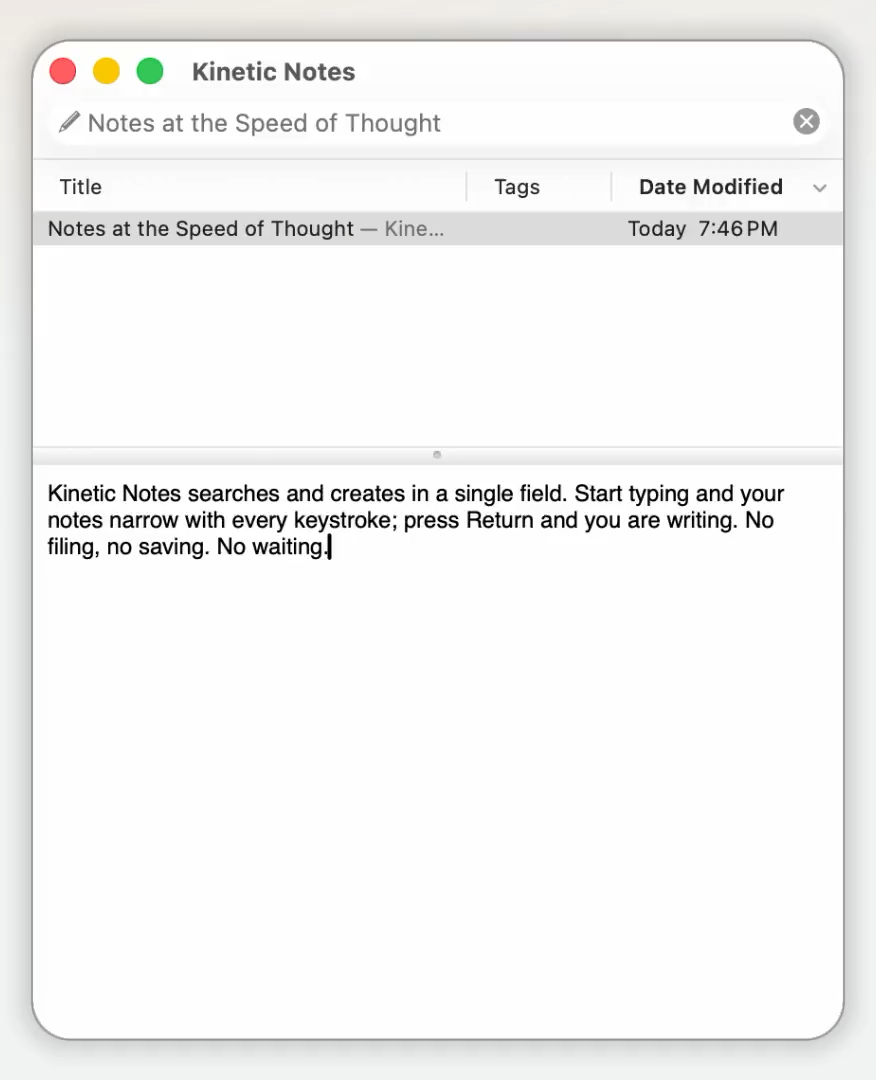
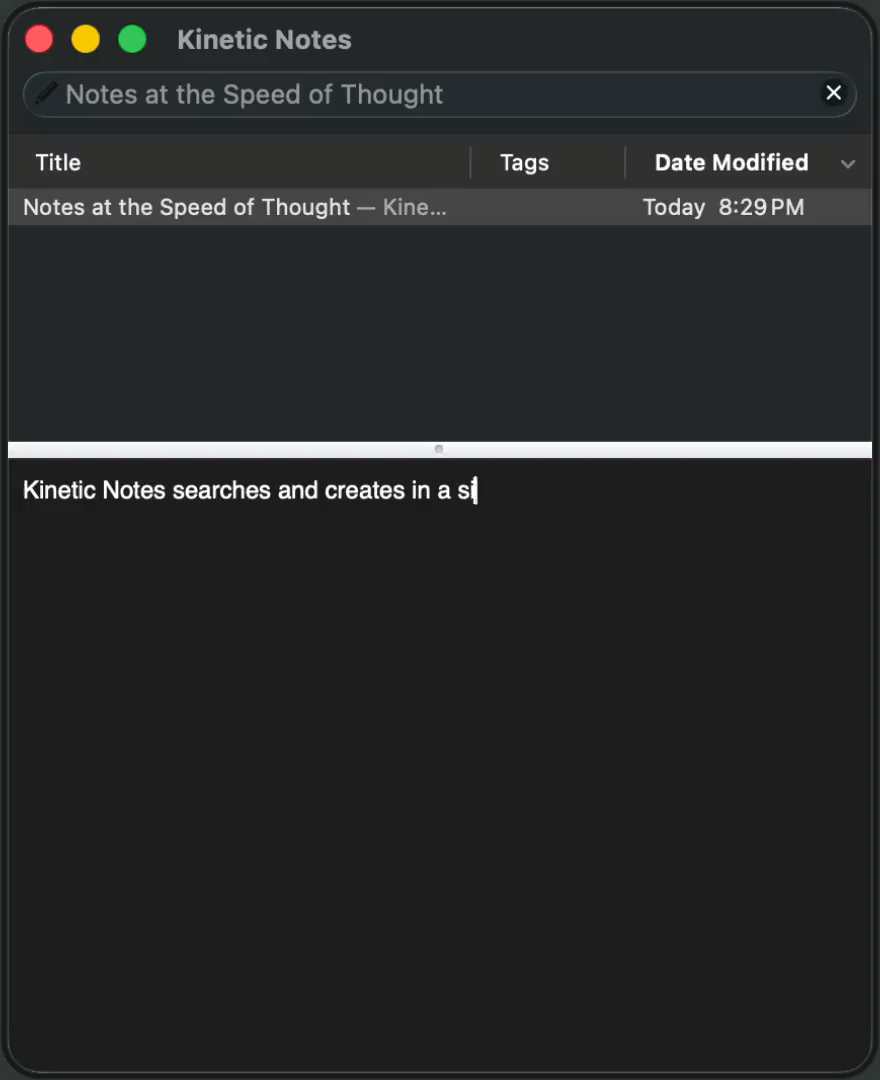
Kinetic Notes searches and creates in a single field. Start typing and your notes narrow with every keystroke; press Return and you are writing. No filing, no saving, no waiting.
Free and open source · Apple Silicon and Intel · No account required
What it does
Built around one idea, carried out properly.
Searching is not a mode you enter. It is the interface, and everything else follows from that.
One field does everything
Searching is not a separate mode. Type in the field at the top and the list narrows with every keystroke. Press Return and you are editing — a note that already existed, or a new one with what you typed as its title.
Built for the keyboard
There are no buttons to hunt for. Select, create, rename, tag, and delete without your hands leaving the keys, and bring the window forward from any app with a global hotkey.
Nothing to save
Edits are written to disk as you make them. No Command-S, no unsaved-changes dialog, no document that exists in one state on screen and another on disk.
Encryption that stays out of the way
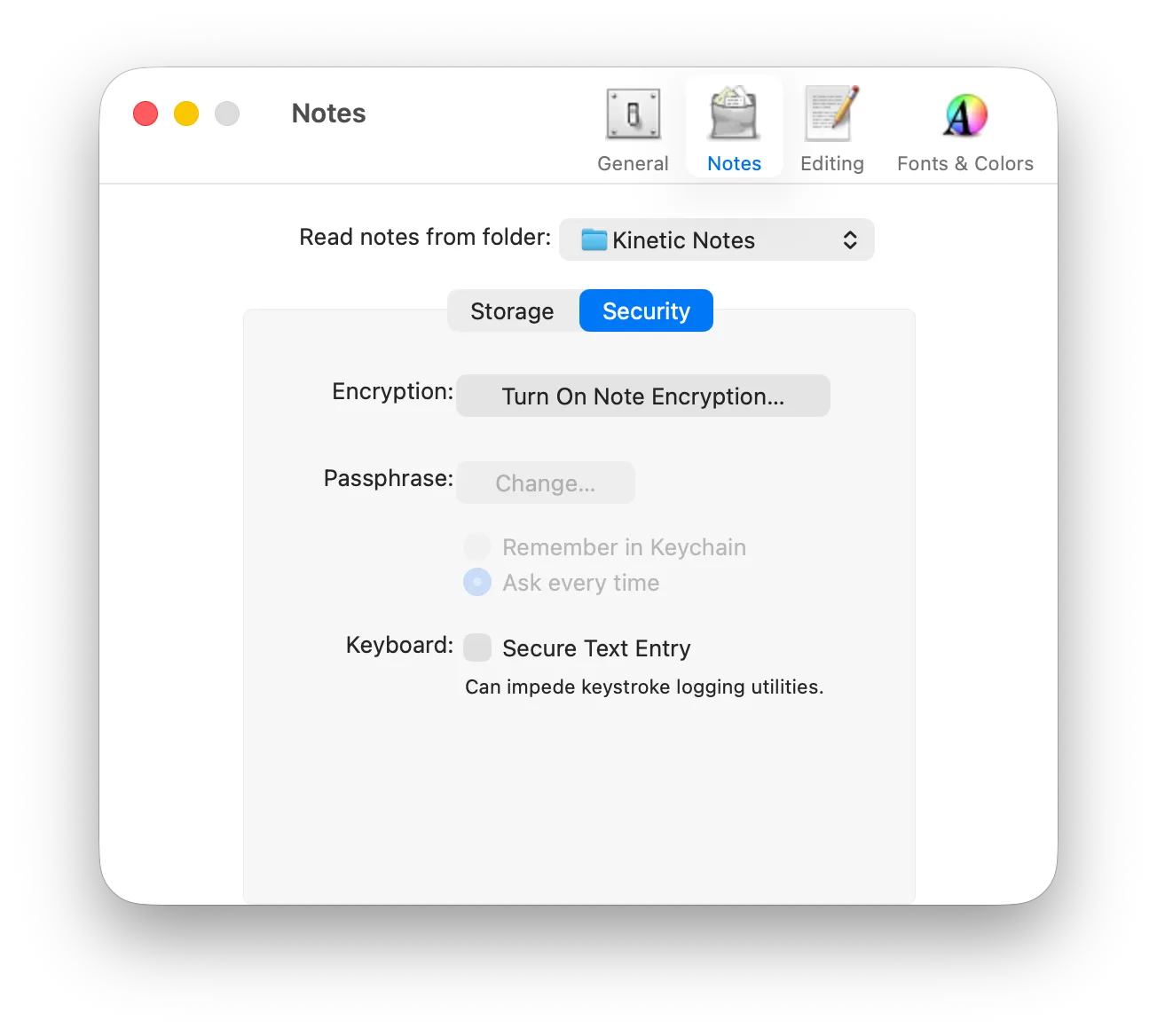
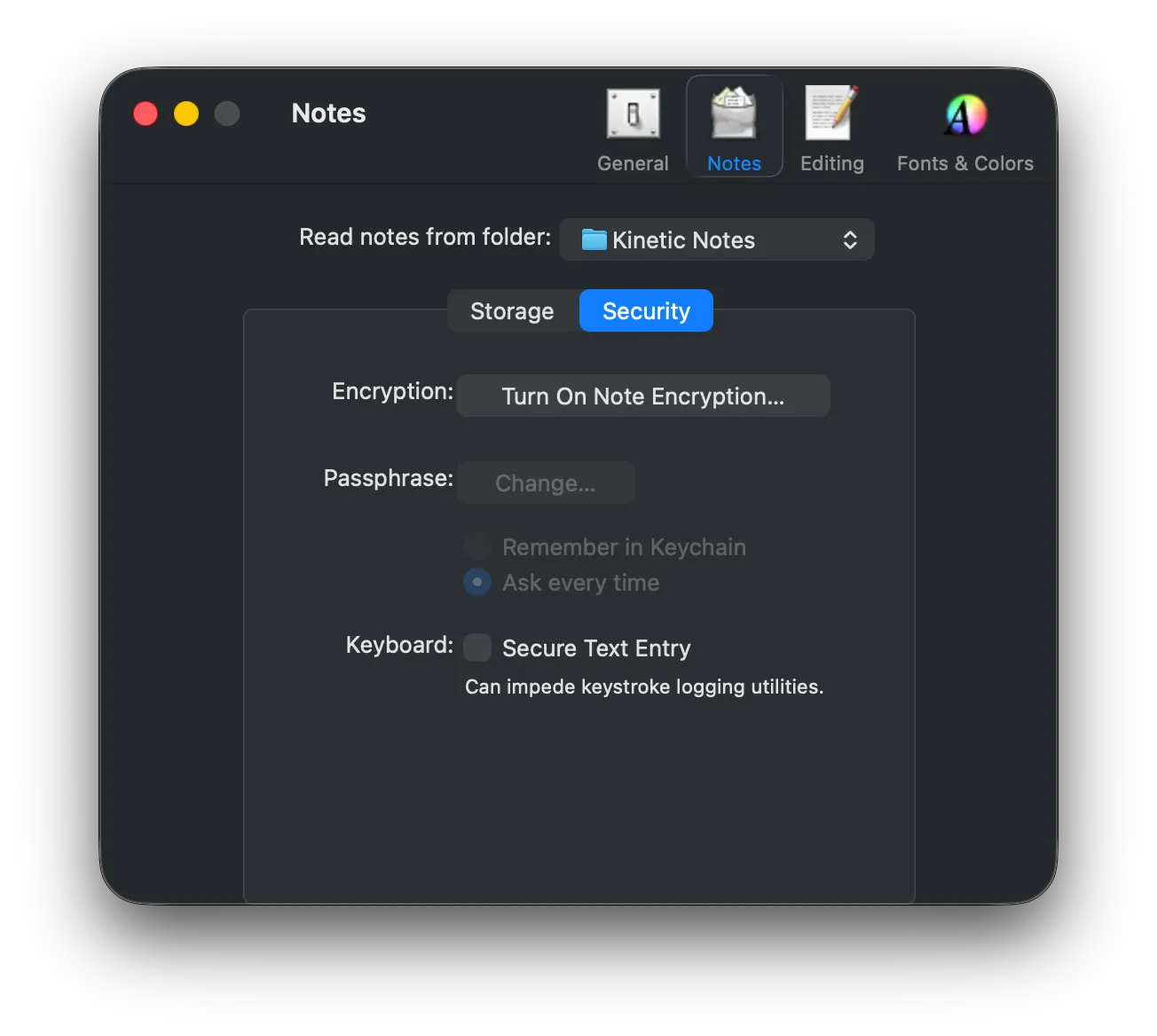
Turn it on and your notes are encrypted with AES-256 before they touch the disk — data and metadata, including the write-ahead log. You enter a passphrase when you open the database, and then forget it exists.
No account, no cloud
Your notes live in a folder on your Mac. There is no server to sign in to, no sync service in the middle, and nothing reporting on how you use it. If you want your notes on another machine, you choose how.
Native on every Mac you own
One universal binary running natively on Apple Silicon and Intel, with no Rosetta and no runtime dependencies — only system frameworks. Nothing to install alongside it.
Keyboard-first
Your hands never have to leave the keys.
The interface has no buttons, because it was designed for keyboard input above all else. Learn five shortcuts and you have learned the application.
- Back to the search fieldCommand L⌘L
- Open — or createReturn⏎
- Next noteCommand J⌘J
- Previous noteCommand K⌘K
- Paste as a new noteCommand Shift V⌘⇧V
- Clear the searchEscapeEsc
Why Kinetic Notes
A beloved application, brought back to life.
Notational Velocity was right about how note-taking should work. It just stopped being maintained, and modern Macs stopped being able to run it.
It runs natively, today
Notational Velocity's last release was in 2011. It has no Apple Silicon slice, so on a modern Mac it runs only under Rosetta 2 — and Rosetta 2 is being withdrawn after macOS 26 Tahoe. Kinetic Notes is that application rebuilt to run natively on both architectures.
Nothing dead is still bundled
OpenSSL gave way to Apple's CommonCrypto, AutoHyperlinks to NSDataDetector, and the Carbon-era file layer to modern APIs. What links now is system frameworks and nothing else.
Nothing was taken out
This is a modernization, not a reimagining. The interaction model, the storage formats, the shortcuts, and the encryption format are all intact — databases from Notational Velocity still open.
It is actually maintained
Five releases so far, each with a written changelog and a build number that maps to the pull request that shipped it. You can read every line of it.
Security
Encrypted on your Mac, or not at all.
Turn encryption on and your notes are encrypted with AES-256 before anything touches the disk — content and metadata, including the write-ahead log.
- No account, no telemetry, no sync service. The only network request is an update check you opt into.
- Keys are derived from your passphrase with PBKDF2 and random 256-byte salts.
- Nothing is written in clear text, even temporarily.
- Encryption requires the single-database format — we say so plainly rather than in a footnote.
Open source
Read it, build it, fork it.
Kinetic Notes is free software under the GPL v3 — the same licence as Notational Velocity. Every claim on this site can be checked against the source.
Build it yourself:
xcodebuild \
  -project Notation.xcodeproj \
  -target Notation \
  -configuration Deployment build
Requires Xcode 15 or later. The result is a universal binary with no external dependencies — otool -L proves it.
Start writing things down.
Version 1.8 runs on macOS 13.0 Ventura or later, natively on Apple Silicon and Intel.
Free and open source.Support the projectif it is useful to you.
Questions
Frequently asked.
Is this the same app as Notational Velocity?
It is a fork of it. Notational Velocity was created by Zachary Schneirov and last released in 2011. Kinetic Notes continues from that source with the same interaction model, rebuilt to run on current Macs. No functionality has been removed; only enhancements made.
Why does Notational Velocity need replacing at all?
Sadly, NV has not been kept current for modern MacOS. Its final build contains ppc, i386 and x86_64 code and no Apple Silicon slice, so on a modern Mac it runs only through translation, via Rosetta 2 — and Rosetta 2 is being withdrawn after macOS 26 Tahoe. Kinetic Notes runs natively on both Intel and Apple Silicon architectures.
Will installing this touch my existing Notational Velocity notes?
No. Kinetic Notes is a separate application with its own notes directory, its own Keychain item, and its own bundle identifier, so changing a passphrase in one can never affect the other.
On first launch it offers to import an existing Notational Velocity folder; it copies, never moves, and never writes to Notational Velocity’s data. You can keep both installed indefinitely.
Do I need an account or an internet connection?
Neither. There is no account and no telemetry, and your notes are files on your Mac. The one network request the application can make is the update check, which it asks permission for and which you can turn off.
Are my notes encrypted?
Optionally, and only when you turn it on. With encryption enabled, notes are encrypted with AES-256 in CBC mode before anything is written to disk — content and metadata, including the write-ahead log.
Encryption requires the single-database storage format, because notes stored as individual files cannot be protected the same way.
Does it sync between my Macs?
There is no built-in sync service. If you store your notes as individual files in a folder, any service that syncs a folder — iCloud Drive, Dropbox, Syncthing — will carry them, and you can read them with any other editor. Simplenote sync was part of Notational Velocity and was removed from Kinetic Notes as their sync engine was retired.
Does it update itself?
Yes, from version 1.6. On its second launch it asks whether you would like it to check for updates, so nothing contacts the network until you say so.
A scheduled check does not interrupt you: when a new version appears, an Update Available button waits in the toolbar until you are ready. Checking manually answers straight away. By default it only tells you that an update exists — installing automatically is a separate choice.
Every download is verified against a signing key built into the application before it is unpacked, and anything failing that check is discarded rather than installed. No profile of your system is sent and no record is kept of who was offered what; the update feed is the only network request the application makes.
If you are running 1.5 or earlier you will need to install 1.6 by hand once. Those versions contain no updater, so nothing in the feed can reach them.
What does it cost?
Nothing. The source is free software under the GPL v3 and the builds are free to download. Donations are welcome and pay for an Apple Developer account and the time to keep the project moving, but nothing is held back if you do not give.
Can I use it alongside Obsidian, iA Writer, or a text editor?
Yes, if you choose one of the individual-file storage formats. Your notes become ordinary files in a folder you pick, so anything else that reads text files can read them too. That does mean giving up encryption, which only the single-database format supports.
Which Macs does it run on?
Any Mac running macOS 13.0 Ventura or later, on Apple Silicon or Intel. The download is a single universal binary and both architectures run natively.
How do I report a bug or contribute?
Open an issue on GitHub. Translations, bug reports, and feature ideas are all welcome — the repository README explains the build and the one editing rule contributors need to know about the interface files.